


Post a Licensed Beat on Instagram in 15 Minutes for Indie Artists
Yes, you can post a beat-based track on Instagram without legal risk, but only if your license grants sync and master rights that cover social media and commercial use. Three licenses matter here: the sync license (pairs the composition with your video), the master use license (clears the specific recording), and the performance right (covers public playback once it’s live). Tellingbeatzz builds all three into its commercial license, which is a good starting point for artists who want straightforward legal coverage for uploads.
TL;DR:
- A license must explicitly include sync, master use, and commercial rights to legally post beats on Instagram, especially for monetized or promoted content.
- Instagram’s music library varies by account type, but monetization or promotion through posts makes securing the correct license essential regardless of account setup.
- Confirm license terms before purchase, store all documentation securely, and embed licensed audio into your final video to avoid unapproved use or claims.
- Register completed works with the U.S. Copyright Office and join performing rights organizations to protect royalties and enforce ownership rights.
- Respond promptly to claims or muted posts by submitting proof of license and documentation, to avoid content removal or legal disputes.
Table of Contents
- Which Music Licenses Matter for Using Beats on Instagram?
- How Do Instagram Account Types Change Your Music Options?
- The Step-by-Step Workflow for Posting a Licensed Beat
- What to Check Before You Buy a Beat for Instagram
- Registering Your Work to Protect Royalties and Rights
- What to Do When a Reel Gets Muted or Claimed
- Why Tellingbeatzz Builds Unlimited Commercial Rights Into Every License
- Get a Cleared Beat Today With Full Commercial Rights
- Sources
Which Music Licenses Matter for Using Beats on Instagram?
A beat isn’t one right. It’s a bundle of them, and Instagram’s copyright system doesn’t care whether you meant to infringe.
The sync license governs the act of pairing a musical composition with visual media. Any time you drop a purchased instrumental under a Reel or Story, you’re syncing, and a sync license is required to pair a musical composition with visual content regardless of platform size or follower count. Separately, the master use license covers the specific sound recording. If a producer sampled another artist’s drum break to build your beat, that sample needs its own master clearance, independent of whatever rights you hold to the finished instrumental.
Then there’s performance rights, which handle royalties when the work is played publicly, and mechanical royalties, which apply once you distribute the finished song commercially. Ownership scenarios shift who you owe:
- Producer sells you an instrumental outright: you typically get sync and master rights bundled if the license says so.
- You sample another recording inside the beat: the original master owner must clear that specific use, independent of the composition’s publisher.
- You feature a co-writer or collaborator: they hold a stake in the composition, which affects royalty splits later.
How Do Instagram Account Types Change Your Music Options?
Instagram’s music libraries aren’t uniform across account types, and that difference trips up more independent artists than almost anything else on this list.
Personal accounts get access to a broad licensed catalog meant for casual, non-commercial use. Creator and business accounts see a noticeably thinner library, because Instagram’s agreements permit personal use for many tracks while business accounts and commercial posts often require separate licensing or Meta’s own royalty-free collection.
What actually makes a post “commercial” isn’t your account type. It’s the content:
- Selling merchandise, tickets, or streams tied to the post.
- Running the post as a paid ad or boosted content.
- Posting under a brand or business page rather than a personal profile.
Switching your account type to sneak past these restrictions doesn’t work and won’t protect you if a claim comes in. If you monetize or promote in any form, secure a proper license first.
The Step-by-Step Workflow for Posting a Licensed Beat
Buying the beat is the easy part. What happens between purchase and publish decides whether that license actually protects you.
- Confirm the license language before you buy. Look for explicit sync rights, master use rights, commercial use, and a platform list that includes social media. If the seller’s page doesn’t spell this out, ask before checkout.
- Store your files and license PDF immediately. Create a dedicated folder, cloud vault, or shared drive, and label everything with consistent metadata (beat name, purchase date, license ID).
- Edit outside Instagram before uploading. Embed the licensed audio into your final exported video file using your editing software. Editing licensed audio directly into the exported video is safer than relying on Instagram’s native track picker, which wasn’t built for commercially licensed instrumentals.
- Publish with your captions, tags, and any required credits. Keep your receipt and license ID within reach. You’ll want them fast if a claim lands.
- Respond immediately if something gets flagged or muted. Submit your documentation through Instagram’s dispute flow rather than deleting and reposting, which erases your paper trail.
Pro Tip: Screenshot your license terms at the moment of purchase, not weeks later. Sellers occasionally update terms, and you want proof of what you agreed to on that exact date.
This sequence takes maybe fifteen extra minutes compared to a quick native-audio upload. That’s a fair trade against a takedown that costs you a release date.
What to Check Before You Buy a Beat for Instagram
Not every beat license is built the same, and the fine print separates a safe purchase from a future headache.
- Sync and master rights, both named explicitly, not implied.
- Commercial or promotional use clause, confirming ads and monetized posts are covered.
- Territory, since some licenses restrict use to specific countries.
- Duration, whether the grant is perpetual or time-limited.
- Exclusivity, meaning whether other artists can also use the same beat.
- Allowed platforms, explicitly listing social media and paid advertising.
- File formats delivered, MP3, WAV, or trackouts.
- Sample-clearance status, confirming the producer already cleared any samples baked into the beat.
- Transferability, in case you ever need to assign rights to a label or distributor.
If a seller’s page is vague on any of these, ask directly: “Does this license cover commercial use on Instagram, including paid promotion, with no territory restriction?” A seller unwilling to answer plainly is a signal to look elsewhere. For collaborations and features, confirm co-writers understand the beat’s license terms too, since their composition share doesn’t automatically inherit your master clearance.
| License element | Why it matters | Red flag |
|---|---|---|
| Sync rights | Covers pairing music with your video | Not mentioned anywhere in the license |
| Master use rights | Clears the actual recording | Only composition rights listed |
| Commercial clause | Required for monetized or sponsored posts | License says “personal use only” |
| Territory | Some grants are country-restricted | No territory language at all |
| Sample clearance | Confirms embedded samples are cleared | Producer can’t confirm sample origin |
A platform like Payhip’s royalty-free licensing guide is a useful reference for understanding how sellers structure these terms before you commit to a purchase.
Registering Your Work to Protect Royalties and Rights
Buying the license is step one. Registering what you build with it is what actually protects your income down the line.
File your composition and sound recording with the U.S. Copyright Office as soon as a song using your licensed beat is finished. This creates a public, timestamped record of ownership that matters enormously if a dispute ever reaches a courtroom.
From there:
- Join a PRO (ASCAP, BMI, or SESAC) to collect performance royalties when your track gets played publicly or streamed.
- Register accurate metadata and splits, so royalties get paid to the right people instead of sitting unclaimed.
- Sign up for SoundExchange and the MLC to capture digital performance royalties and mechanical royalties respectively, particularly once your streams start climbing.
What to Do When a Reel Gets Muted or Claimed
A muted Reel or a claim notice isn’t automatically a crisis, but how you respond in the first hour matters.
- Identify what actually happened. A mute means the audio was silenced but the video stays up. A claim means a third party is monetizing your post. A takedown means Instagram removed the content entirely.
- Pull your documentation immediately, meaning your license PDF, purchase receipt, and license ID.
- Submit a dispute through Instagram’s built-in flow, attaching your proof of purchase and license terms.
- Escalate only when warranted. A formal DMCA counter-notice or legal counsel makes sense if Instagram’s internal dispute process denies your claim despite valid documentation.
- Loop in a distributor or rights clearance service if the dispute involves a sample whose clearance status you’re unsure about.
Keeping everything in one dated folder, as opposed to scattered emails, turns this from a scramble into a five-minute task.
Why Tellingbeatzz Builds Unlimited Commercial Rights Into Every License
Independent artists shouldn’t need a lawyer on retainer just to post a Reel. That belief shaped how Tellingbeatzz structures every license across its catalog of over 600 instrumentals, each one sold with the sync and master permissions this guide walks through, verified before it ever reaches an artist’s cart. The platform’s 200 million-plus streams reflect what happens when creators trust the paperwork enough to actually release the music.,
— Thomas
Get a Cleared Beat Today With Full Commercial Rights
Skip the license-hunting entirely. Tellingbeatzz sells beats with unlimited commercial rights built into every purchase, meaning the sync clearance, master use permission, and Instagram-ready terms this guide walks through are already handled before you download a single file.
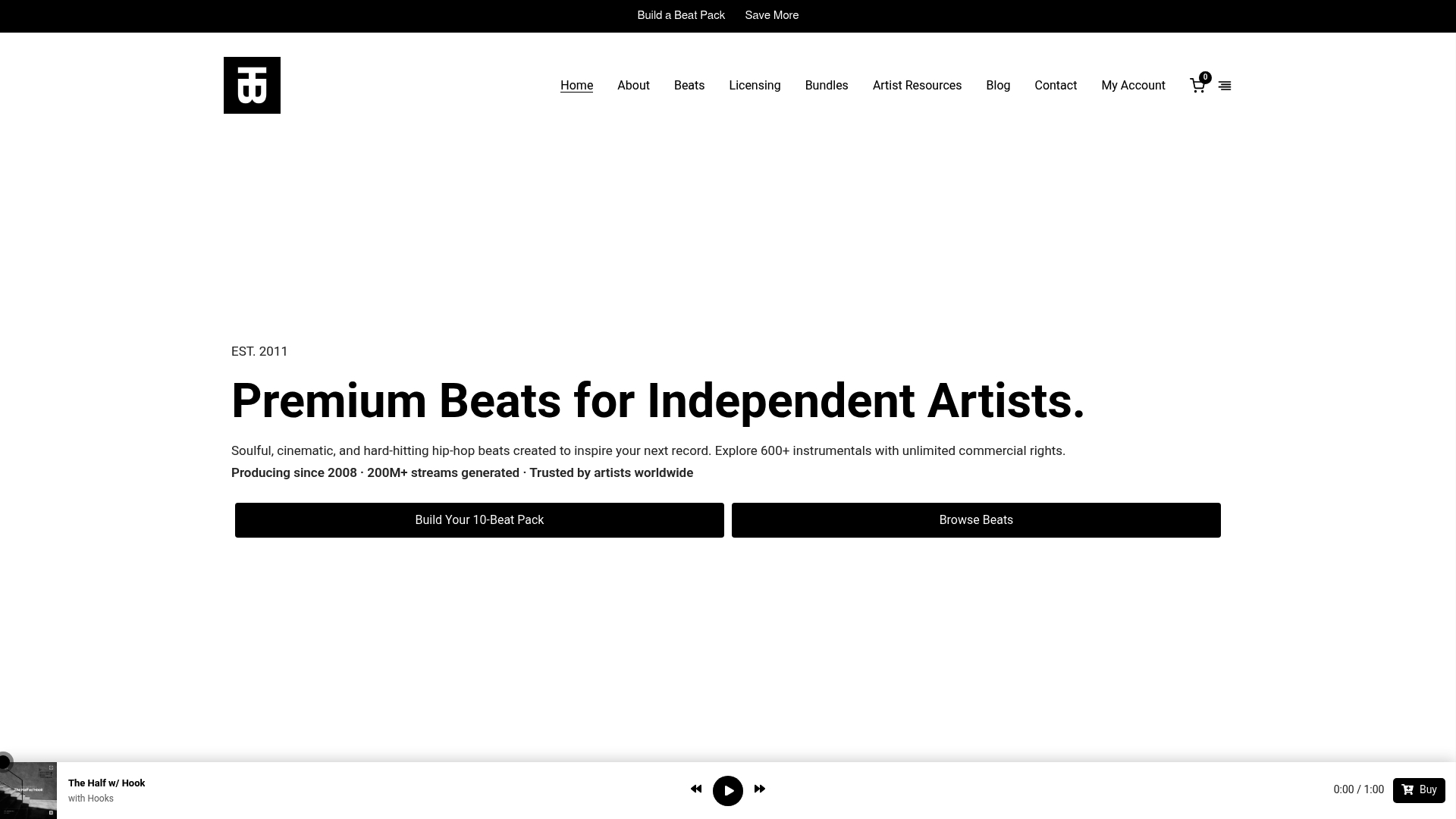
When you land on a beat’s product page, check for the license text displayed plainly next to the player, listen to the sample play before buying, and use the pack builder if you want multiple beats bundled at a discount. Every purchase delivers instantly in MP3, WAV, or full trackouts, along with a license PDF you can drop straight into your documentation folder from the workflow section above. No waiting on a producer to email you clearance paperwork, no guessing whether a sample buried in the beat is cleared. Browse the full catalog and license terms at Tellingbeatzz and get your next release Instagram-ready the same day you buy it.
This article is general information, not a substitute for advice from a qualified lawyer. Consult a qualified legal professional about your own circumstances before acting on anything here.
No Comments